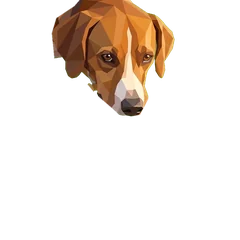
The Catalog shows the parts the lake already has. The Workshop is where new ones get made, and it's built around a simple idea: whatever image tool I use, the result should come back in the scene's own format, ready to move.
Step 1: the prompt
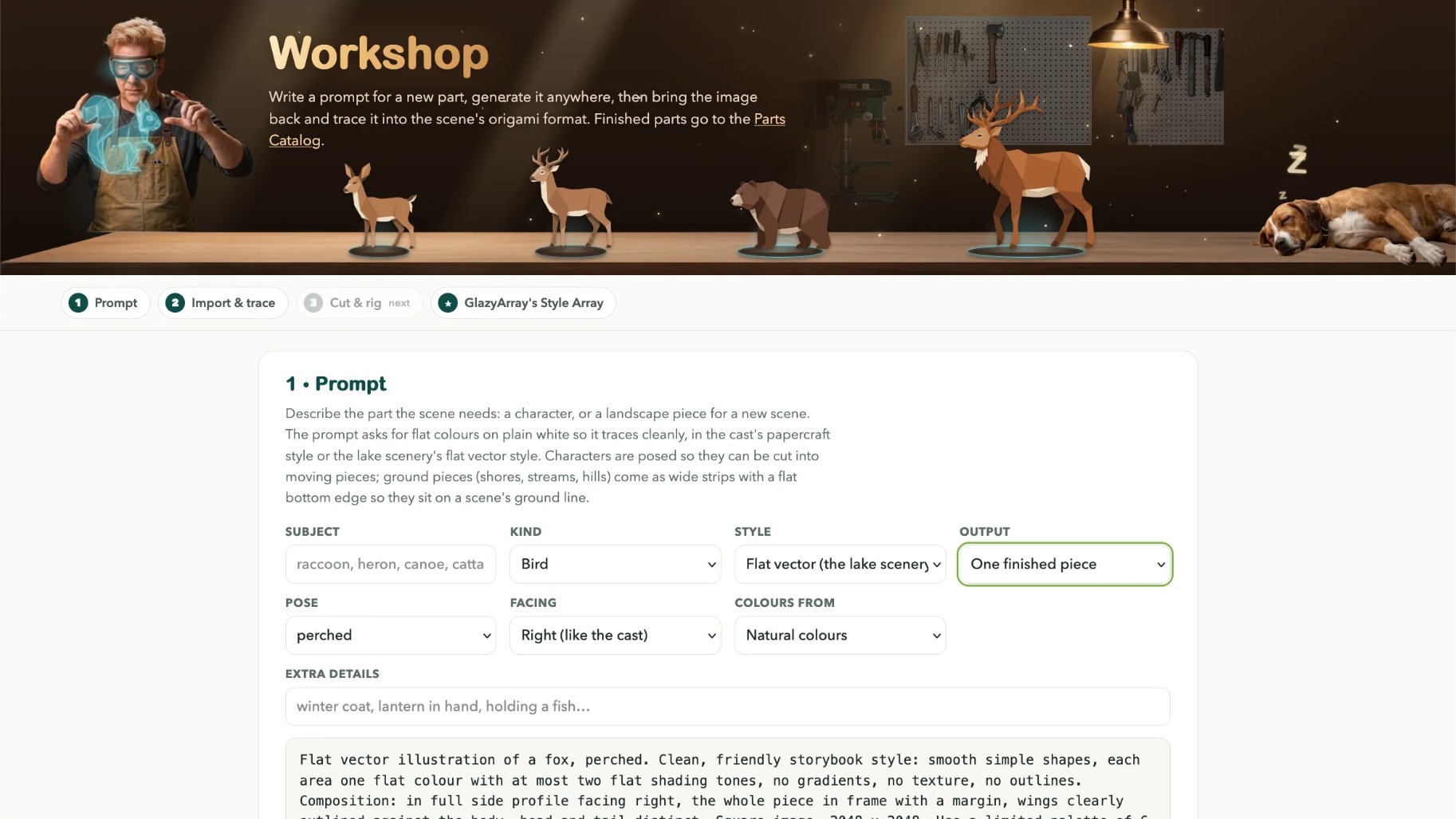
It works in steps. Step 1 is a prompt builder. Pick the kind of part (13 of them, from four-legged animals to shoreline pieces), a style, and whether you want one piece or a kit sheet of separate parts. It writes a prompt that asks for flat colours on plain white, so the result traces cleanly. Then generate it anywhere.
Step 2: the way back in
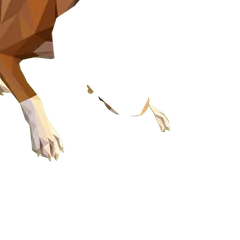
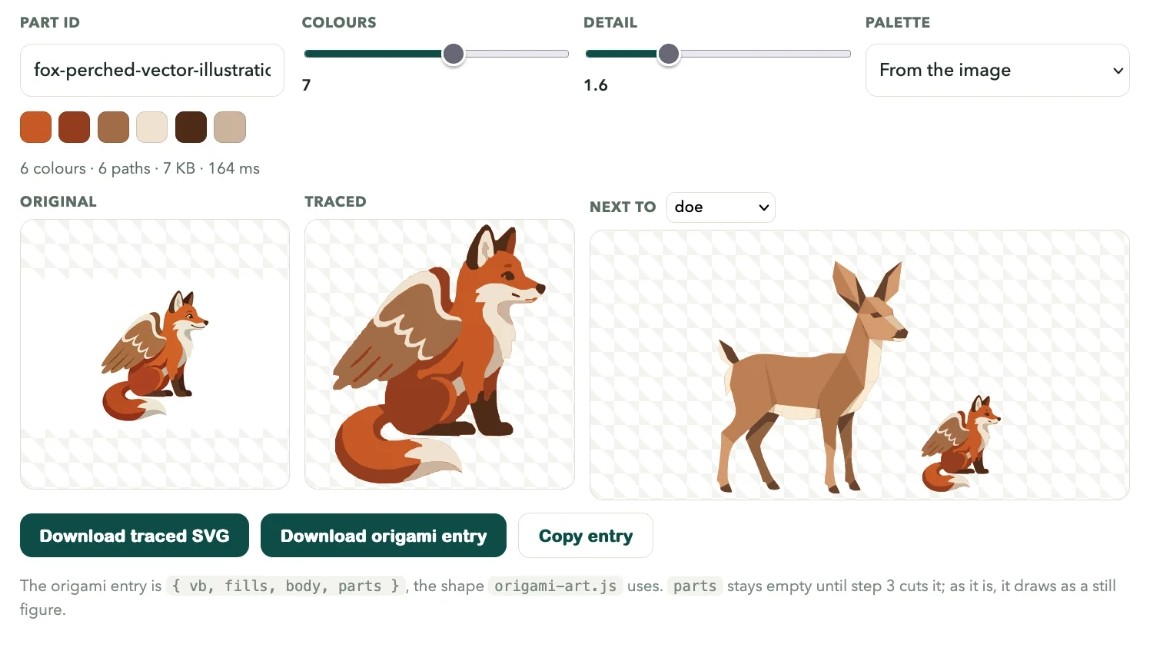
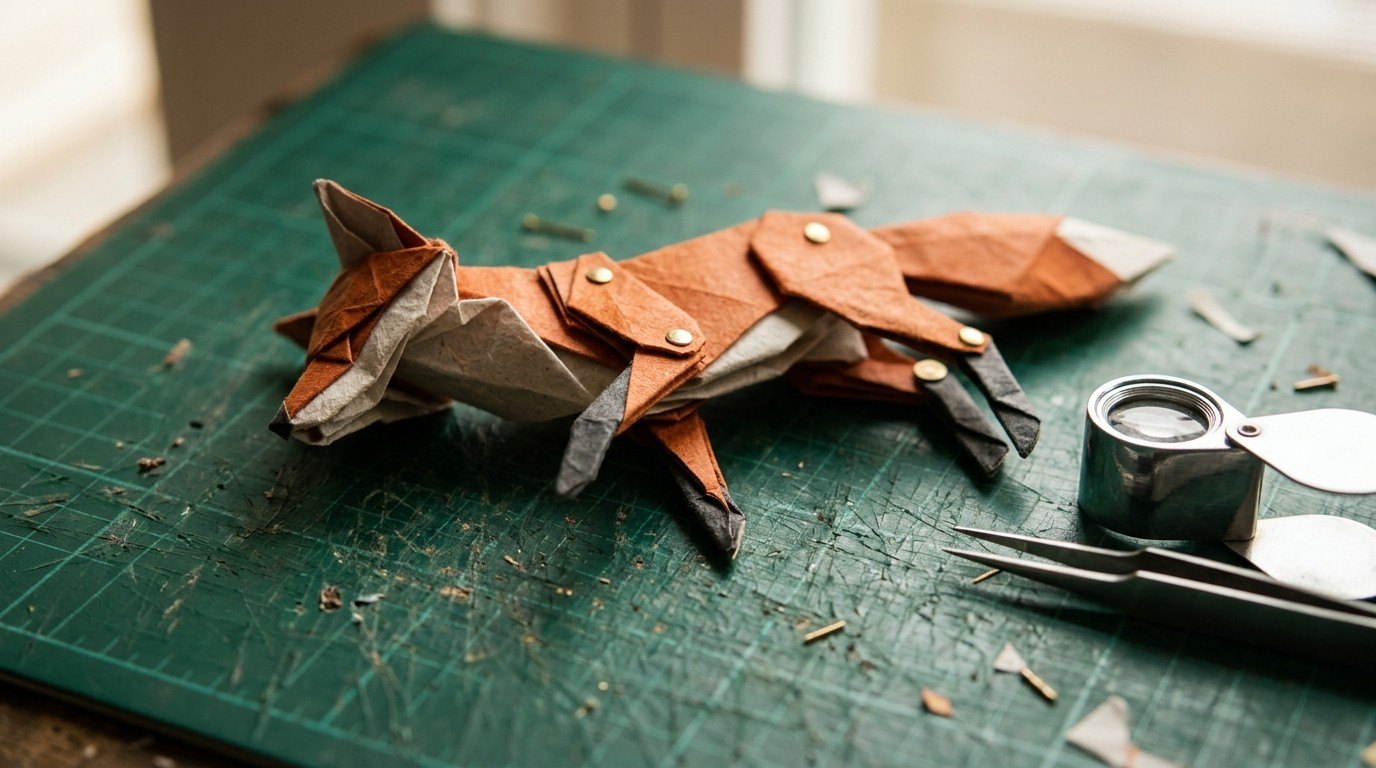
Step 2 brings the picture back. The tracer used to be a Python script on my laptop. Now it runs in the browser: it reduces the image to a few colours, cleans up the specks, and simplifies every outline. The doe traces to 7 colours in under a second. The fox in the clip came out as 5 colours and 5 paths, 7 KB, in 693 milliseconds. Then it sits next to an animal from the lake, so you can see straight away whether it belongs.
A useful failure
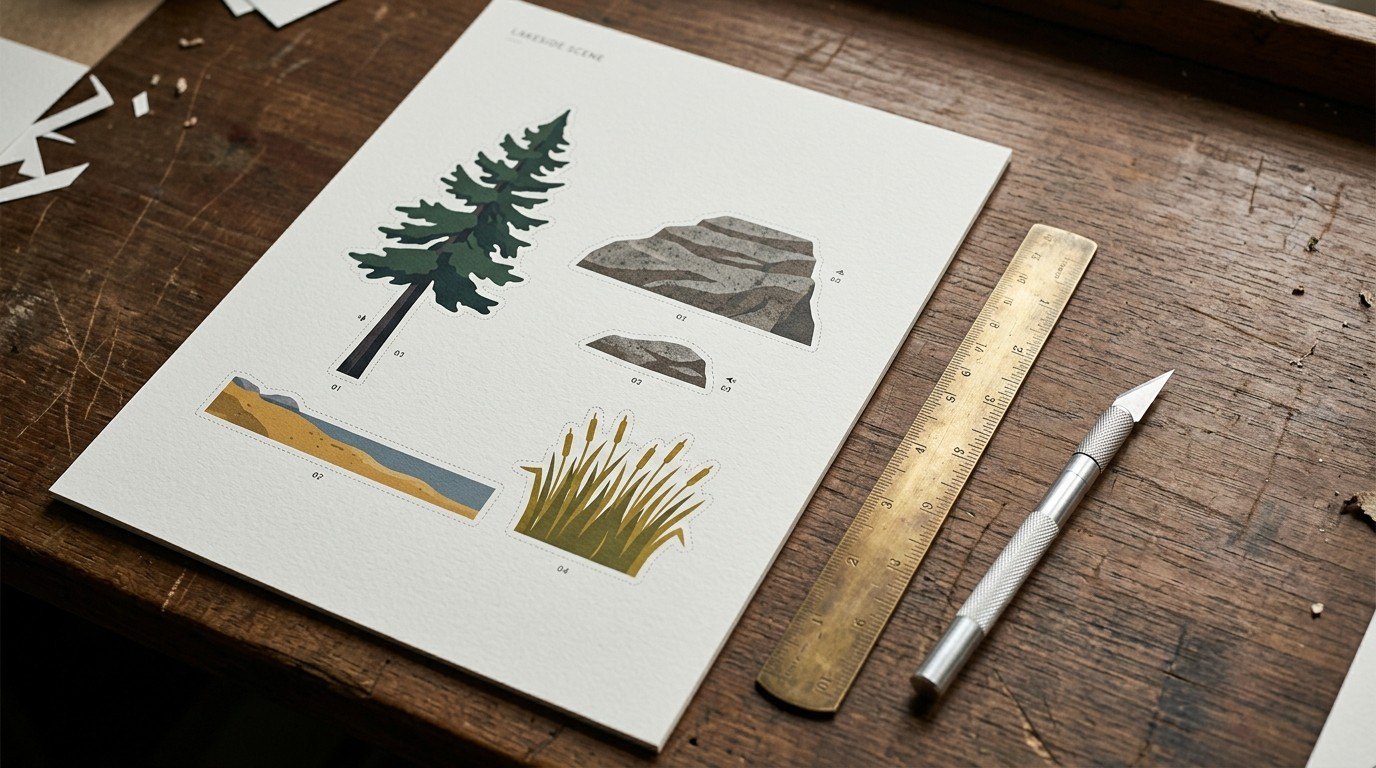
The kit-sheet option came from a failure. I traced a beach scene as one picture and got a mess, because a scene isn't one shape. Asking for separate pieces on one sheet fixed it.
Step 3, cut and rig, is next: splitting a traced animal at the joints so it can move like the others.
I traced a beach scene as one picture and got a mess, because a scene isn't one shape.
How it's built
- Prompt
Pick one of 13 kinds of part, one of 2 styles, and a single piece or a kit sheet. It writes a prompt for flat colours on plain white, so the result traces cleanly.
- Import & trace
An in-browser port of trace.py: k-means colour reduction, cleanup of the specks, Douglas-Peucker simplification of every outline. The new part is set beside an animal from the lake to see if it belongs.
- Cut & rig
Next: splitting a traced animal at the joints so it can move like the others.
The bench itself
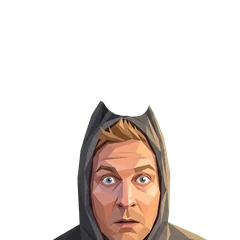
The header is the bench itself. A hologram above it cycles through animals that don't exist yet: an eagle, an owl, a hawk, a squirrel. On glowing discs stand the buck, doe, elk and bear from the live engine, and Marley sleeps at the end of the bench. I took out a soldering iron that didn't belong and fixed my hair colour, which the first render got wrong.
What I learned: make the way back in the easy part. Generating a picture takes seconds anywhere. Turning it into something the scene can use is the work, so that's what the Workshop does.
Build log
The tracer is trace.py, a Python script on Christian's laptop.
Ported to the browser as Step 2, Import & trace.
A beach scene traced as one picture fails; the kit-sheet option is added to Step 1.
Bench header built: hologram, buck, doe, elk and bear on glowing discs, Marley asleep. Soldering iron removed, hair colour fixed.
Step 3, Cut & rig.