


This is the project that brought me back to web development after a long break. I'd started making adult coloring books, and every one of them meant the same pile of jobs: prompts for 40 illustrations, a listing with titles and keywords, an interior PDF with the right bleed, a wraparound cover whose spine depends on the page count, and a separate cover for the ebook. I wanted one place that did all of it.
The prism
Here's the idea underneath it. A coloring book is beauty broken down to its most basic form, then built back up. Every page starts as a beautiful picture: that picture is the core of each prompt, crafted almost. Then it's taken apart, the way a prism splits light, until only the black and white lines are left. And the person with the markers fills it back in, in their own colours.
A coloring book is beauty broken down to its most basic form, then built back up.
One week in May
So I wrote down what it should be. The first notes are dated May 20. Two days later there were eight single-page prototypes. By May 24 there was a working tool of about 100 KB. Within the week I'd split it into modules with a small build script, because one file had become too big to change safely, and written a full set of documents for it: a product spec, a requirements spec, technical docs and a user manual.
Sketch to final
- May 20: write it down
The manifesto and the first feedback note: what the tool should be.
- May 22: eight prototypes
Eight single-page prototypes, built with Gemini.
- May 23 to 24: a working tool
The first full working version, about 100 KB, with a backup kept before the edition selector went in.
- May 25 to 28: modules and a build script
README and build.py on May 25, the modules on May 28, because one file had become too big to change safely.
- May 26: the documents
A product spec, a requirements spec, technical docs, a user manual and a handoff, covering v1.0.0 to v1.0.4.
- June onward: the refinements
An AI proxy, then warnings, a series builder, Kindle covers as JPG, a mandala structure and page-range runs, 1 to 20 and 21 to 40.
- July 13 to 17: the catalog
The Books tab and the Coloring Book Catalog site.
- October 6: a proper repository
Sources rebuilt from the live page until a build matched it byte for byte, and the AI calls moved behind the Studio login.
Five tabs
I called it ProPre, for pre-press. It has five tabs. The Prompt Generator takes an object, a lens like Through the Seasons or Underwater, and an edition for adults or kids, and writes the brief for a prompt catalog. Long books run in two halves, pages 1 to 20 and 21 to 40. MegaData writes the listing in one go: titles, subtitles, back copy, seven keywords, an HTML description and the series copy. Interior turns a zip of line art into the print PDF, in double-sided, right-handed or left-handed editions. Cover builds the wraparound PDF and works out the spine from the page count. Kindle Cover makes the ebook cover with a live preview.
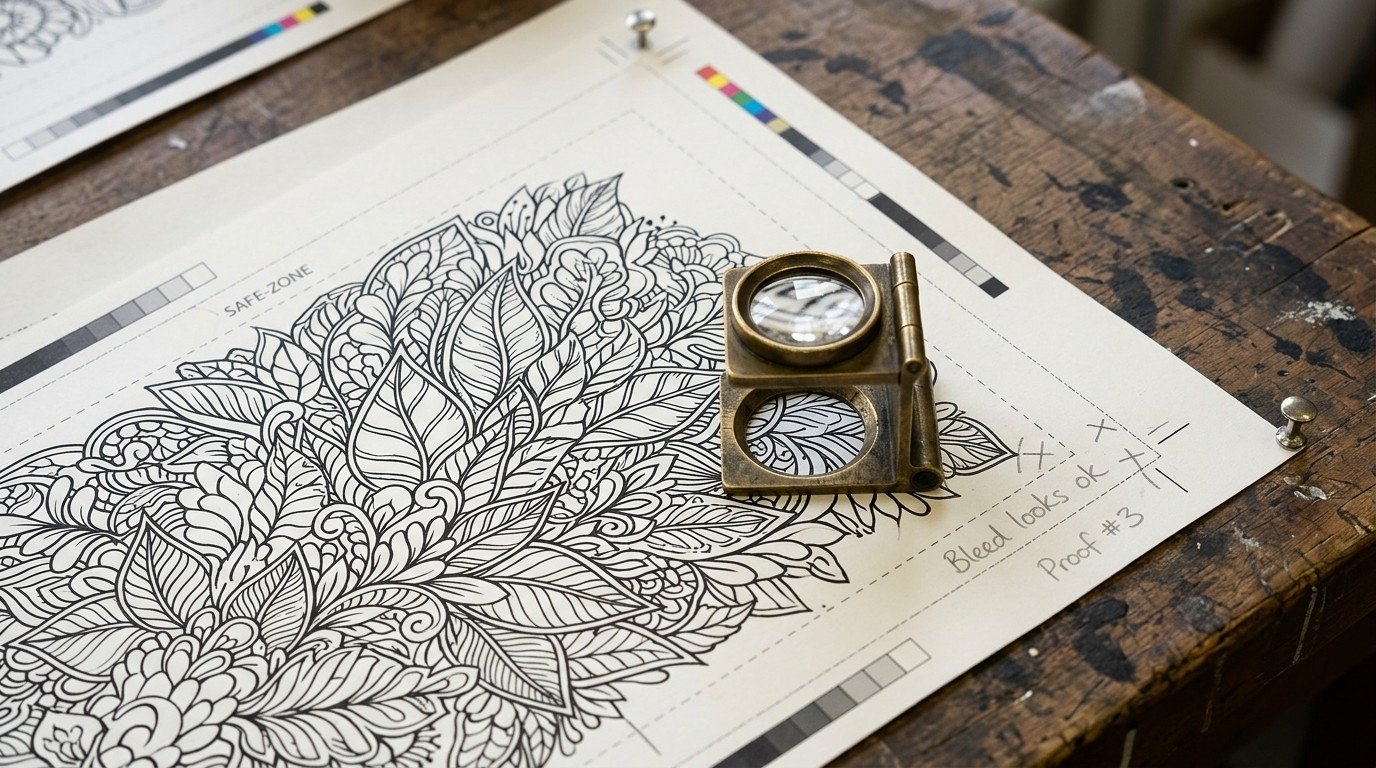
Every one of those steps has a rule I learned the hard way. Text stays inside the safe zone. Art is scaled a little past the page so it really fills the bleed. Interiors are black and white only. Covers are cropped, never stretched. Prompts stay clear of anything trademarked.
A home for the books
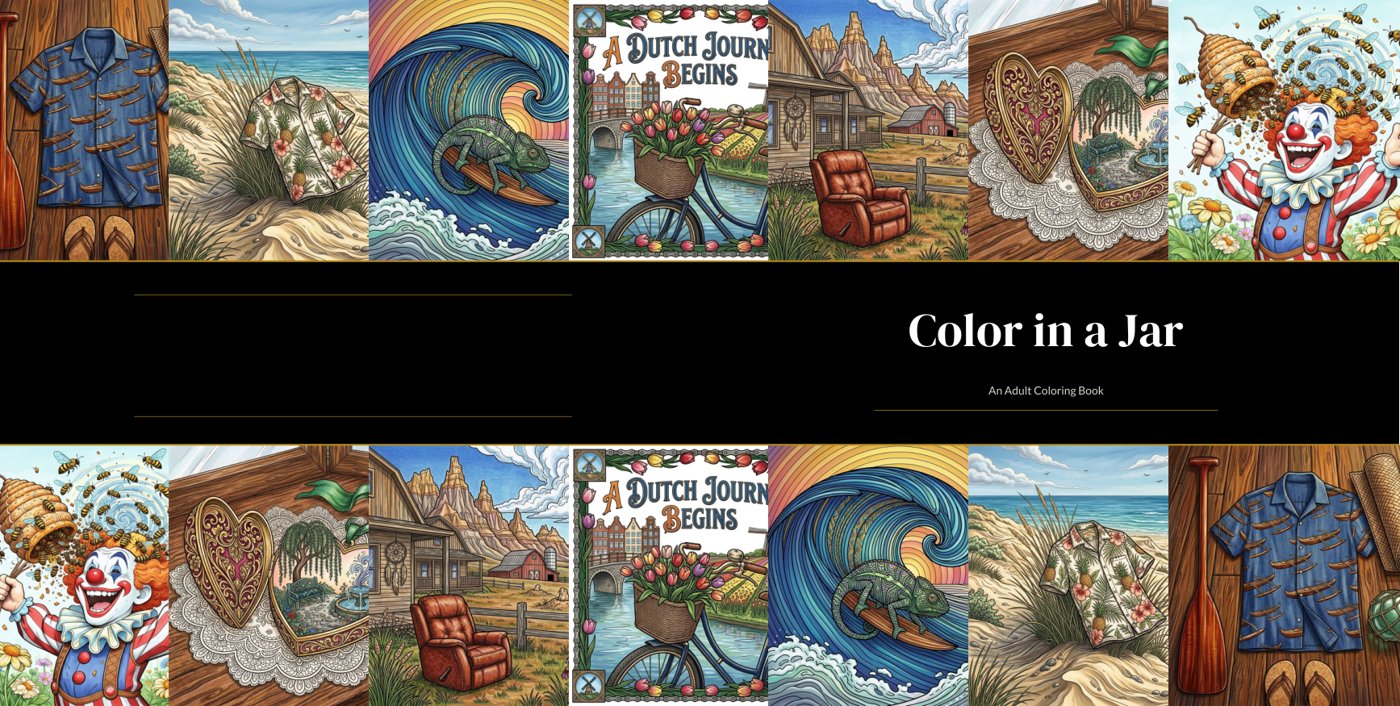
Then the books needed a home, so I built the Coloring Book Catalog. It reads a spreadsheet, so adding a book is adding a row. 101 titles so far, 8 in print and 93 on the way. Each card shows the line art, and a tap fills it with colour.
This week I gave it a proper repository. The live page had drifted ahead of its own source files, so the sources were rebuilt from it until a build matched the live page byte for byte. Its AI calls now go through the Studio's login instead of a token in the page.
What I learned: build the tool before the hundredth book, not after. Every rule I wrote into ProPre is a mistake I only had to make once, and every one of them protects the same thing: the beautiful picture at the start, so there's something worth building back up at the end.